✨ FaceTra Shape Creator V0.6.0
The tool now supports the reuse of existing face tracking blendshapes to build new shapes.
The tool now supports the reuse of existing face tracking blendshapes to build new shapes.
There may have been an issue preventing the tool from being usable on avatars that have a position offset (when the avatar root is not at the origin in the FBX).
The main visible effect was that dividers would not function properly.
This patch attempts to fix that issue.
Try to fix accidental incompatibility with Unity 2019.
This update is not necessary if you are on Unity 2022.
Add Search and Copy to Clipboard:
This is a significant update.
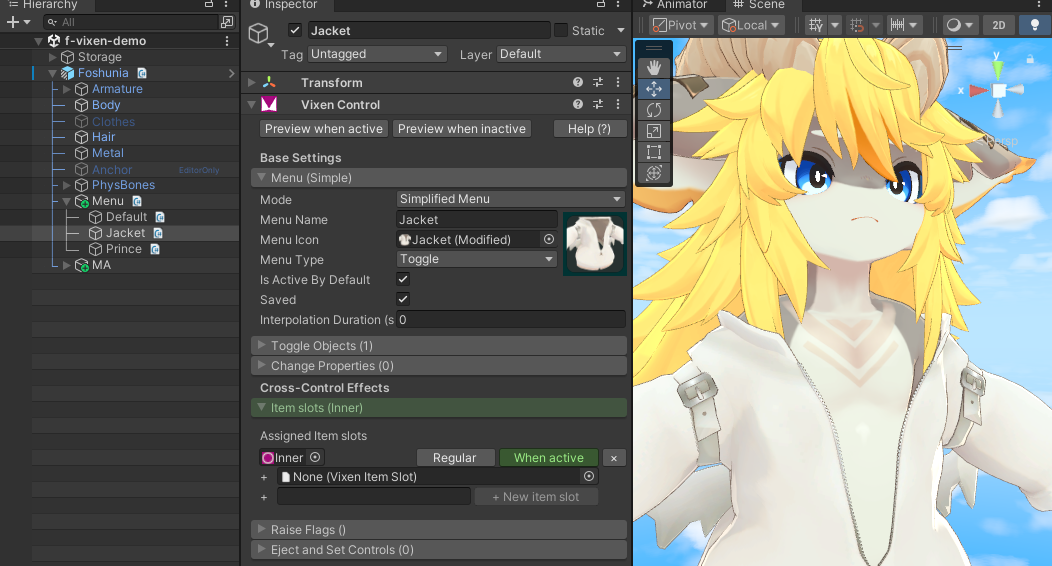
Controls can now affect other controls using Item slots, Flags, and Ejects.
Although the version number is now V1 instead of V0, this is not a breaking change (I don't want the major version to be zero any longer). Existing components are the same, and you will not lose your work.
Add option for a less greedy vertex selection:
The documentation has been moved from Notion to this location, with additional illustrations.
Change mesh calibration to support meshes that have a non-zero origin (offset).
Make vertex selection more aggressive.
Add FTWireMeshDebugger component for support requests.
Deselect old clip before opening clip in Visual Expressions Editor:
A new component, Assign UV Tile, has been added to Prefabulous Avatar.
If you use Poiyomi Toon shader, this new component can be used in tandem with Poiyomi Toon "Special FX > UV Tile Discard" to toggle portions of a model on and off at runtime.
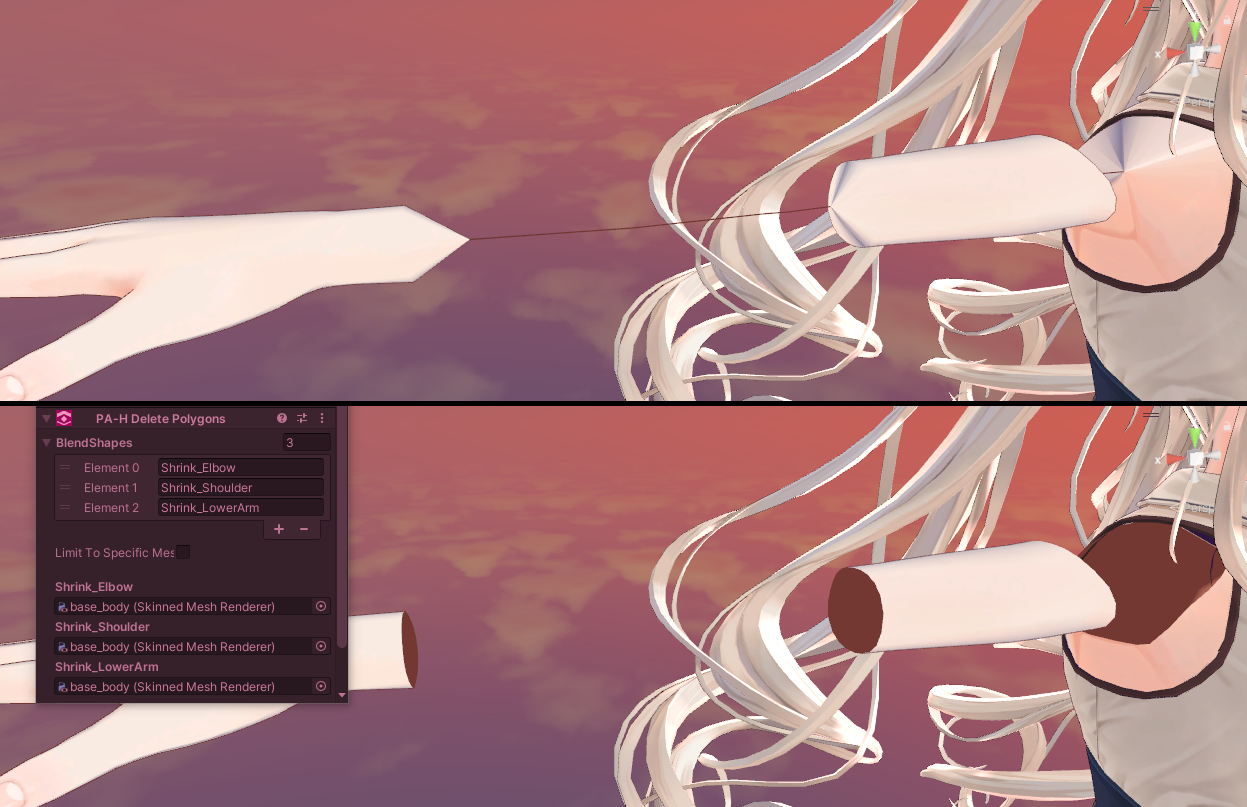
Delete Polygons now has an option to keep the polygons that are still connected to the mesh.
On blendshapes that shrink the body, this preserves the end caps, so the blendshape still has an effect on the mesh.
This might help with some avatar models.
A new component, Delete Polygons, has been added to Prefabulous Avatar.
Use it to delete polygons affected by conflict prevention blendshapes, and other unused decorations hidden inside the mesh.
A new component, HaiXT Generate Blendshapes for Face Tracking Extensions, has been added to Prefabulous Avatar.
If you have an avatar that already supports face tracking, a new component in Prefabulous Avatar V1.5 can generate non-standard face tracking blendshapes.
When your eyes are closed, the shape of your eyes will change when you're smiling.
I've also tried to fix compatibility issues with Unity 2019.
Recalculate Normals has an option to Erase Custom Split Normals data on some blendshapes, which might improve blendshapes that flatten the chest.
Do NOT try this option unless defects are visible.
Change Avatar Scale now uses the Avatar Descriptor view position as the source size:
A new knowledge sharing article has been published, "Recalculate Normals, Retrospective".
I am releasing "Recalculate Normals", a new Prefabulous Avatar component 🔥
This component will improve the shading of your avatar by recalculating blendshape normals: Light, reflections, rim lights, matcaps, and many more shader features are affected by the altered mesh surfaces.
Starting from versions 3.x and onwards, ComboGestureExpressions will be distributed on VCC.
Transform animations are now generated in the FX layer instead of Gesture, and synchronization should be faster.
The VCC version of ComboGestureExpressions can be used to convert your existing ComboGesture components to FaceEmo.
A new knowledge sharing article has been published, "Using Udon MIDI as a data bus, retrospective".
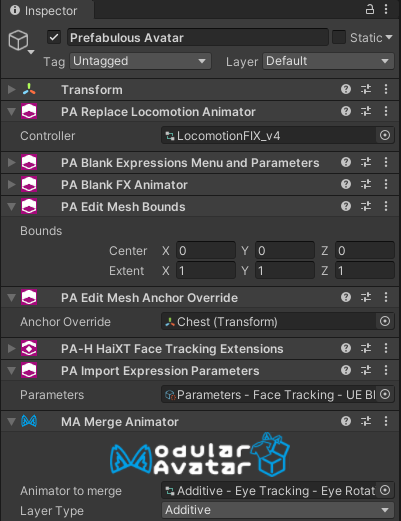
For those who use Modular Avatar, I've just released an experimental package in VCC called "Prefabulous Avatar".
It's a bunch of non-destructive scripts to automate invasive tasks that are generally unsuitable for distribution.
I am releasing "Auto-reset OSC config".
Did you forget to reset your OSC config, again? Once installed, this tool will automatically reset the OSC config after every successful VRChat avatar upload.
I am releasing "BlendTree Viewer", which lets you view large blend trees in a compact view.